Blog ·
Can you play browser games with a controller?
Yes, as long as the game itself supports one. Chrome, Edge, Firefox and Safari can all read a game controller through the web's Gamepad API, with no driver or download, but the game has to ask for it, and the browser usually shows the controller to a page only after you press a button on it. If a game ignores your controller, the most common fix is simply to press a button while the game's tab is in front.
Which browsers support game controllers?
All the major ones, and for years. MDN lists the Gamepad API as Baseline, available across browsers since March 2017. MDN's browser compatibility data, as we read it on Nov 1, 2026, gives the first versions:
| Browser | Reads controllers since |
|---|---|
| Chrome (desktop and Android) | Version 35 |
| Edge | Version 12 |
| Firefox | Version 29 on desktop, 32 on Android |
| Safari (Mac, iPhone and iPad) | Version 10.1 |
The standard itself is the W3C's Gamepad specification, which is still a Working Draft (the latest is dated Jul 10, 2025), even though browsers have shipped it for a long time.
Which controllers work?
Anything your computer or phone already sees as a game controller. The browser does not talk to the controller by brand: it reads whatever the operating system has connected.
- Xbox controllers. Xbox Support says you can connect one to Windows with a USB cable, the Xbox Wireless Adapter for Windows, or Bluetooth.
- PlayStation DualSense. PlayStation's guide covers pairing it over Bluetooth with Windows, Mac, Android, iPhone and iPad: hold the Create button, then the PS button, until the light bar blinks.
- On Apple devices. Apple Support explains how to pair Xbox, PlayStation and other Bluetooth controllers from the Bluetooth settings.
Once it is paired, you do nothing more in the browser. There is nothing to install.
Why doesn't the game see my controller?
Usually because you have not pressed anything yet. To stop sites from using your connected devices to recognize you (a tracking trick called fingerprinting), the Gamepad specification has the browser return an empty list of controllers until it has seen a "gamepad user gesture", which means pressing a button. MDN adds that if a controller was already connected when the page loaded, the game is told about it when you press a button or move a stick, and that Firefox shows controllers to a page only after you use one while that page is visible.
If pressing a button does not help, check these in order:
- The game supports controllers at all. Many browser games are built for a keyboard and mouse only, and the browser cannot add controller support for them.
- The tab is in front. Click the game once, then press a button.
- The controller is connected to the device, not still paired to a console nearby.
- The game runs inside another page. A site that shows a game in a frame can block controllers for it, because the specification makes controller access a permissions policy feature named "gamepad". Opening the game on its own page avoids that.
Will the buttons be in the right place?
For most well-known controllers, yes. The specification defines a Standard Gamepad layout with 17 buttons and 4 axes: button 0 is the bottom button of the right cluster, and axes 0 to 3 are the two sticks. When a browser recognizes a controller, it remaps it to that layout and, as MDN explains, reports its mapping as standard. A game written for that layout then works the same with Xbox and PlayStation controllers. An unusual controller may not be remapped, and then its buttons can land in odd places.
Rumble is less certain: MDN marks the vibration feature as limited availability, since it does not work in some of the most widely used browsers.
How can you check your own controller?
Connect it, open any page, press a button on the controller, then open the browser's developer console (F12 on most desktop browsers) and type:
navigator.getGamepads().filter(Boolean).map(g => g.id + ' (' + g.mapping + ')')
If you see your controller's name followed by (standard), the browser has it and has mapped it to the standard layout. An empty list means the browser has not seen a button press from it yet, or the device is not connected.
Which EverGamer games work with a controller?
Honestly, not many yet. We checked every game's code on Nov 1, 2026:
| Game | Controller support |
|---|---|
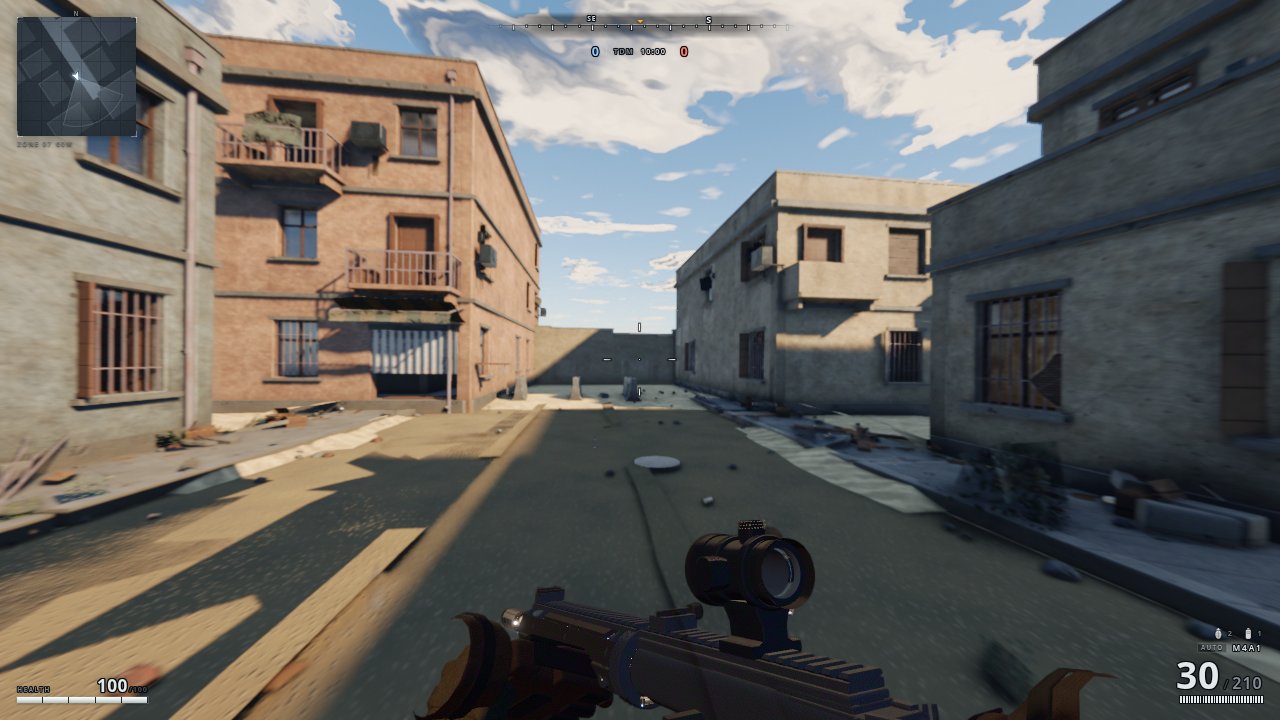
| Claude of Duty | Partial: the left stick moves you, but you still aim and shoot with the mouse |
| Every other game, including Kyra Craft, Heart Engine 2 and Neonfall | Keyboard, mouse or touch only |
The game pages on our hub do let a game read your controller when you play it in the page, so as games here add support, it will work there too. Until then, the whole menu is best with a keyboard and mouse, and Claude of Duty is the one place to try a stick.
More from the blog
 Do browser games save your progress?Most do, either in your browser's own storage or on the game's server if you sign in. Here is where saves live, what can erase them and how to keep them safe.
 What is WebGPU, and can your browser play WebGPU games?WebGPU lets a web page use your graphics card directly. Chrome, Edge, Firefox and Safari all support it, with gaps by system. Here is the list and a ten-second test.
 Welcome to the EverGamer blogWhy EverGamer has a blog, and the plain answers about browser games and classic games you can expect here.