Blog ·
What is WebGPU, and can your browser play WebGPU games?
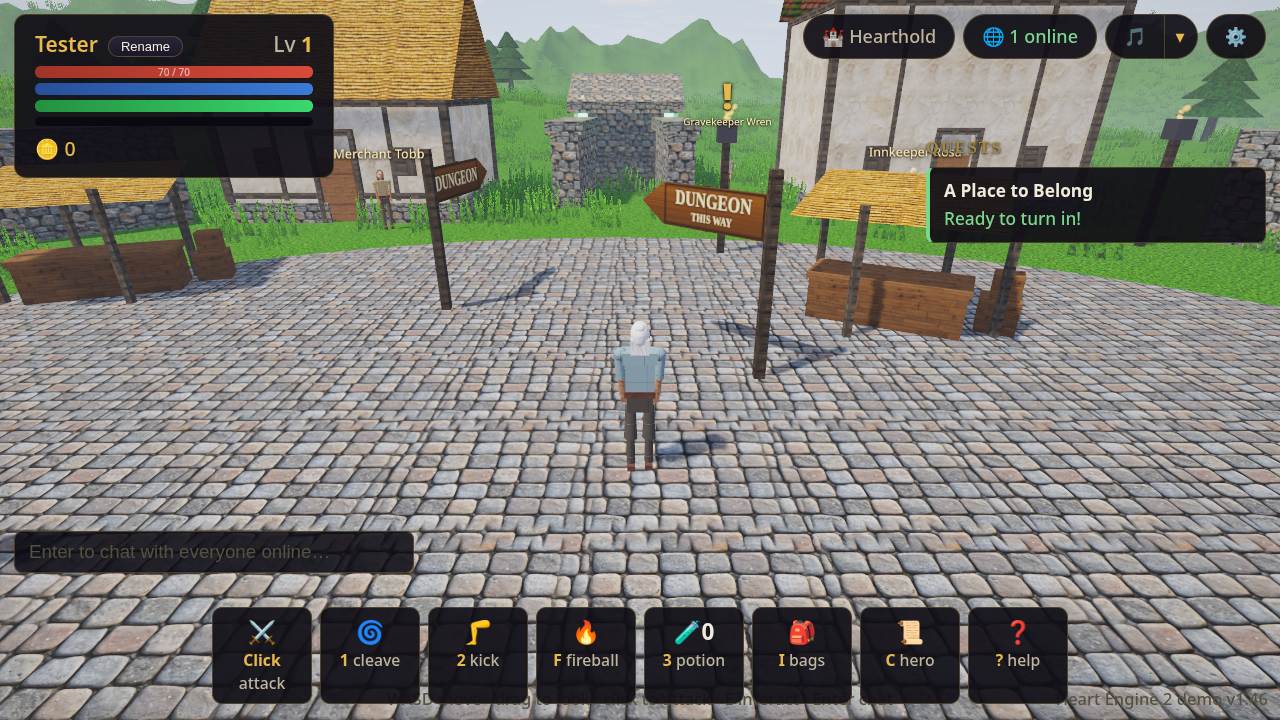
WebGPU is the web's modern way to use your graphics card, so a game in a browser tab can draw more and run heavier work on the GPU. Chrome, Edge, Firefox and Safari all support it, but not on every system: Firefox on Linux and Android is the main gap. To test your browser, open a WebGPU game: if it is not supported, the game tells you instead of starting.
What does WebGPU actually do?
It gives a page access to the GPU for both drawing and general computation. MDN describes it as the successor to WebGL, offering better compatibility with modern GPUs, support for general-purpose GPU computation and faster operations. The standard itself is developed at the W3C.
For a player, nothing needs installing. The game loads like a web page, and the browser talks to your graphics hardware.
Which browsers support WebGPU?
Google's web.dev announced on Nov 25, 2025 that WebGPU is supported across Chrome, Edge, Firefox and Safari. The details differ by system. This table follows MDN's browser compatibility data as we read it on Oct 31, 2026:
| Browser | Works on | Not yet, or limited |
|---|---|---|
| Chrome and Edge, desktop | ChromeOS, macOS and Windows since version 113 | Linux since version 144, on Intel Gen12 or newer GPUs only |
| Chrome, Android | Since version 121 | Web.dev says Android 12 or later, with Qualcomm or ARM GPUs |
| Firefox, desktop | Windows since version 141; macOS Tahoe on Apple silicon since 145, older macOS on Apple silicon since 147 | Linux and Intel Macs |
| Firefox, Android | Not supported | |
| Safari | Version 26, including iOS |
Support changes with every browser release, so treat this as a snapshot. A supported browser can still refuse if your graphics driver or hardware is not able to run it.
How can you check your own browser?
Open the browser's developer console (F12 on most desktop browsers) and type:
await navigator.gpu?.requestAdapter()
If it returns an adapter object, the browser found a GPU it can use. If it returns undefined, the browser does not offer WebGPU here. If it returns null, the browser offers WebGPU but found no suitable adapter, which often points to your hardware or driver.
Why might a WebGPU game still not start?
Work down this list:
- Update your browser. The versions in the table are the first that support it.
- Update your graphics driver, especially on an older PC.
- Try another browser. On Linux, for example, the table above shows Firefox has no support while Chrome has it on some GPUs.
- Check the hardware. A browser may turn WebGPU off for a GPU it does not trust.
Which games on EverGamer need WebGPU?
These are built on it:
- Heart Engine 2, our from-scratch engine, and its town of Hearthold. It shows "WebGPU required" when the browser has none.
- Heart Engine 2 Astra, the same town with a renderer upgrade and a built-in benchmark. Its capture records one machine's numbers and is no promise about yours.
- Heart Engine 2 Kimi, an experimental fork with the village of Emberbrook.
- The Heart Engine Orillusion demo, an open-world RPG demo, and the Heart Engine 3D demo, rebuilt on a three.js WebGPU backend.
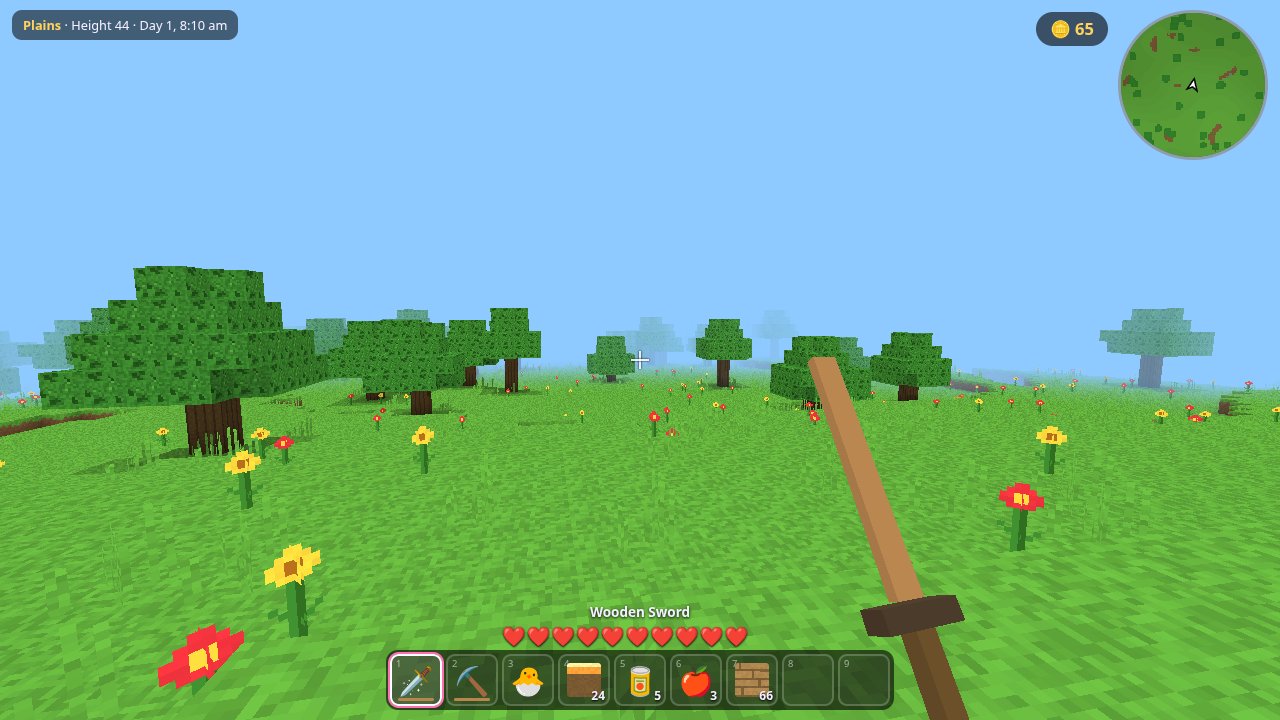
Most of our other games do not ask for WebGPU at all, so they are the place to start if your browser cannot run it. Try Kyra Craft, a voxel adventure with pets to raise, or the whole menu.
Have you found a browser or GPU where one of these fails? We would like to know, and the error code on the screen will help us find it.