Blog ·
Do browser games save your progress?
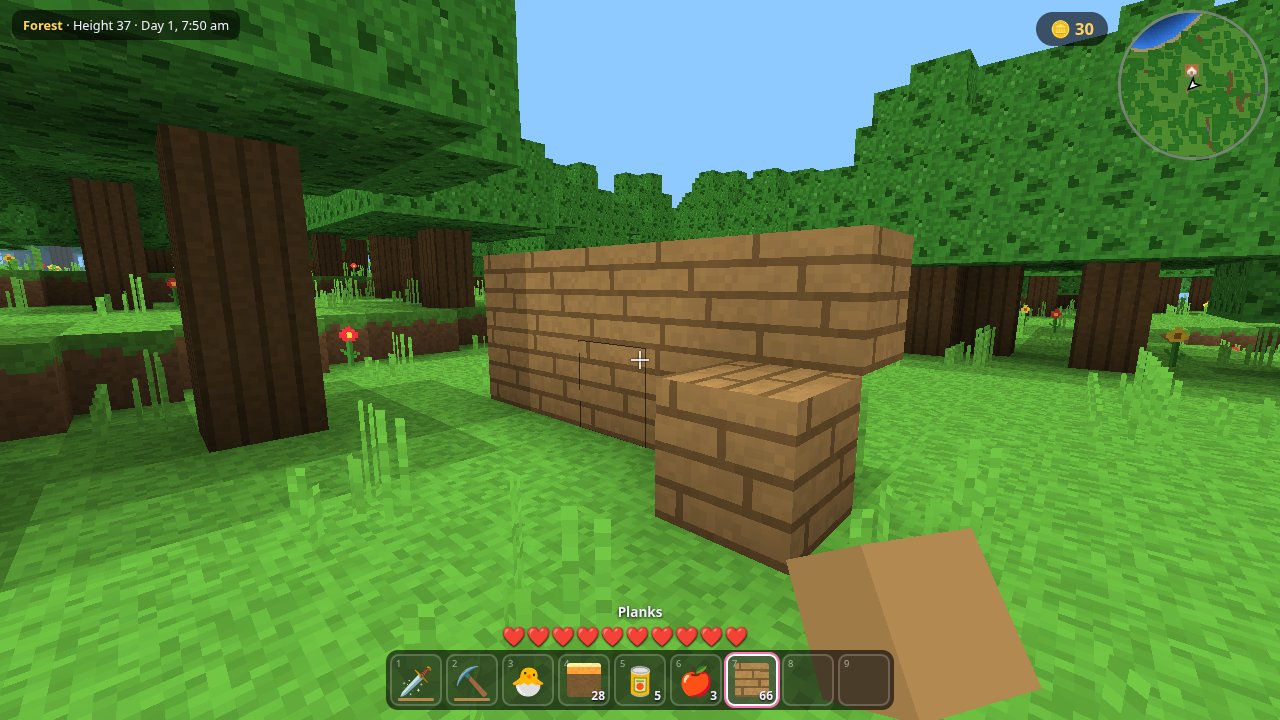
Most browser games do save your progress, but where they save it matters. A save kept in your browser stays on that browser on that device and can be erased, while a save kept on the game's server follows your account. Some simple arcade games save nothing at all, so a closed tab is a fresh start.
Where does a browser game keep your save?
There are two usual places:
- In your browser. Games commonly use localStorage, a small store of text that a page can read and write. MDN says this data is saved across browser sessions and has no expiration time, so closing the tab or restarting the computer does not remove it. Larger games may use IndexedDB, another of the browser's storage systems.
- On the game's server. You sign in and the game sends your save to its own database, so it is tied to your account and not to one browser.
Neither requires a download. Browser storage is also why you can often play with no account: the save just sits on your machine.
What can erase a save kept in your browser?
Browser storage is sturdier than people fear, but it is not a vault. These are the real risks:
| What happens | What it does to the save |
|---|---|
| You clear the browser's site data | Removes it, unless the game also keeps a copy on a server |
| You play in a private or incognito window | MDN says the data is cleared when the last private tab closes |
| Your device runs low on space | The browser may delete data from the least recently used sites first, and a site's data goes all at once |
| You skip a site for a while in Safari | With cross-site tracking prevention on, MDN says script-created data is deleted if the site had no interaction in the last seven days of browser use |
| You change browser or device | Nothing is deleted, but the save does not come with you, because localStorage belongs to one site in one browser |
Does Safari really delete game saves after seven days?
It can. WebKit's tracking prevention page describes a cap covering localStorage and IndexedDB, and it counts a click, tap or keyboard entry as interaction, but not scrolling. Playing the game regularly counts as interaction.
There is one useful exception. WebKit says a web app added to the Home Screen is exempt from the seven-day cap, so on an iPhone or iPad, adding a favorite game to the Home Screen helps. Its data is kept separate from Safari, so a save you already made in a Safari tab may not appear there.
Can a game ask the browser to protect its save?
Yes, but the browser decides. A page can call navigator.storage.persist(), and MDN notes that the browser may or may not honor the request. Firefox asks you in a popup, while Safari and Chromium decide from your history with the site. Data granted this status is skipped when the browser needs to free space. WebKit lists the same protection for Safari.
How can you keep your progress safe?
- Sign in if the game offers cloud saves. This is the only option here that survives a new device.
- Do not play long games in a private window.
- Be careful when clearing browsing data. Check what the browser is about to remove, and leave out site data for games you care about if it lets you.
- Stay on one browser if the game saves only locally.
- Let the game finish saving. Many games write on a timer or at set moments, so use the game's own save or pause if it has one before you close the tab.
How do the games on EverGamer save?
We checked each game's code on Oct 31, 2026:
| Game | Where your progress goes |
|---|---|
| Kyra Craft | Your browser only. It saves as you play, when you pause and when you close the page. |
| Heart Engine 2 | Your browser when signed out; your account when signed in. |
| Heart of Time: Everfall | Your account when signed in, with a copy kept in your browser. |
| Myth & Magic II | Your browser only, when the game records your progress. |
| Neonfall and Last Light 2 | Your browser only. |
| Embertide, Tectonic, Trapeze and Car Clash | Nothing is stored between visits. |
None of these games calls navigator.storage.persist() today, so a browser-only save here has the ordinary protection described above. If your Kyra Craft world matters to you, keep to one browser and do not clear this site's data.
Looking for something to start? Kyra Craft is a good one for long play, and the whole menu is one click away.
More from the blog
 What is WebGPU, and can your browser play WebGPU games?WebGPU lets a web page use your graphics card directly. Chrome, Edge, Firefox and Safari all support it, with gaps by system. Here is the list and a ten-second test.
 Welcome to the EverGamer blogWhy EverGamer has a blog, and the plain answers about browser games and classic games you can expect here.