Blog ·
Are browser games safe to play?
Yes. A game that runs in an up-to-date browser is one of the safest ways to play, because the browser runs it inside a sandbox that cannot install anything or read your files, and it has to ask you before it can turn on your camera or microphone. The risks that remain come from the site around the game (fake download buttons, scam pages, sign-in forms that are not what they seem), not from the game itself. Here is how that protection works, and how to tell a safe game site from a bad one.
Why can't a browser game read my files?
Because the browser does not let any web page do it. Every modern browser keeps a page's code in a locked-down process. Chromium, the engine behind Chrome and Edge, explains it in its sandbox FAQ: the only things a sandboxed process can freely use are processor time and memory, and it "cannot write to disk". Even if a page found a bug in the browser, the FAQ says, that bug could not install lasting malware on your account, because writing to the file system is banned, and could not read and steal files from your computer.
The one way a page can see a file is if you hand it one. MDN's guide to the file input describes it as a control that lets the user choose files from their device. Nothing is picked for you.
A game also cannot reach into other sites you have open. The same-origin policy, which MDN calls "a critical security mechanism", stops a page from one site reading what a page from another site holds, so a game tab cannot read your email tab.
Can a browser game use my camera or microphone?
Only if you say yes. A page asks for them with a function called getUserMedia, and MDN's reference says it "prompts the user for permission" first. The same page notes that it works only in a secure context, which in practice means a site served over HTTPS. If a game asks for your camera and you did not start a video chat, say no; you can change your mind later in the browser's site settings.
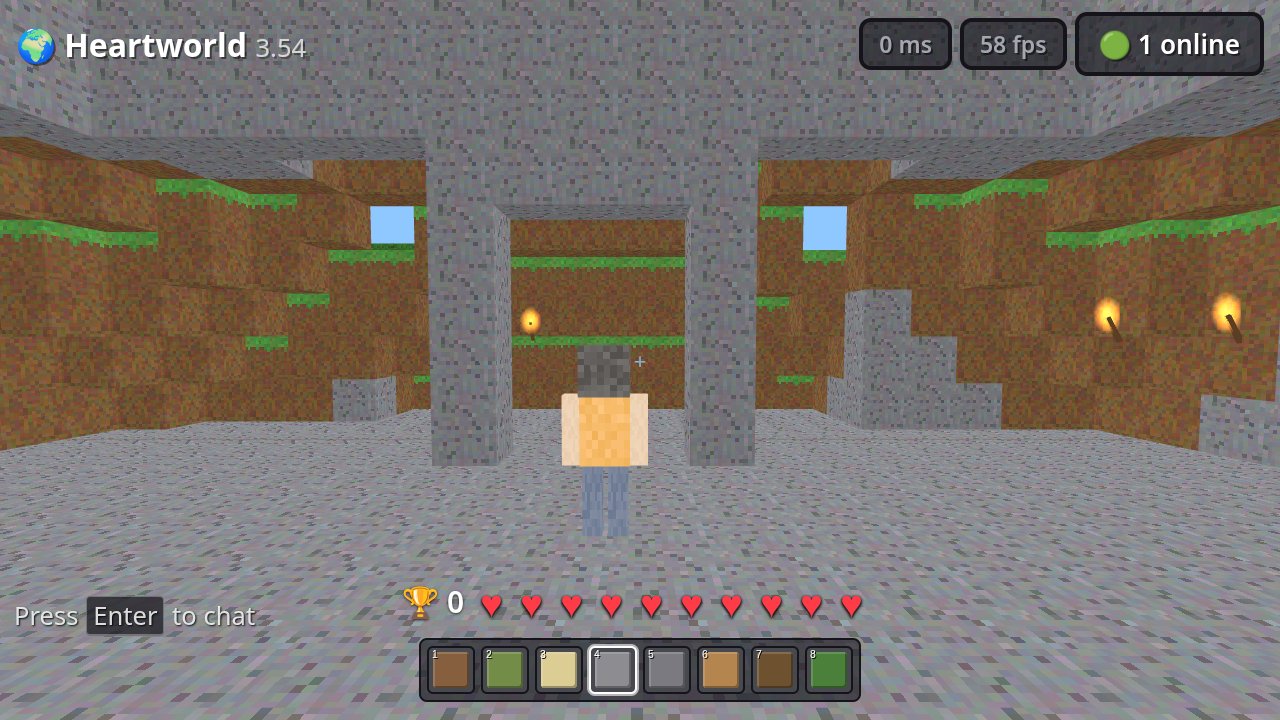
Of our own games, only one asks for anything at all. We searched every game's code on Nov 19, 2026: Heartworld asks for your microphone when you join its voice chat, and for your camera only when you turn on video. No other game on EverGamer asks for a permission.
What about old Flash games?
They are gone. For years many web games needed the Flash Player plugin, an extra program from Adobe installed beside the browser. Adobe ended it: its Flash Player page says "Support for Flash ended on December 31, 2020". Browser games today are written in HTML5, JavaScript, WebGL and WebGPU, which run inside the browser and its sandbox with no plugin. If a site tells you to install Flash, or any player, to play a game, leave.
So what are the real risks?
The game is rarely the problem. The page around it can be. Watch for:
| Warning sign | Why it matters |
|---|---|
| "Download to play" or "Install our player" on a game that should run in the page | A browser game needs no download. A file you run yourself is outside the sandbox |
| A sign-in box that asks for your Google, Steam or email password on the game's own page | Real "Sign in with Google" buttons send you to Google's own address to type it |
| Pop-ups saying your computer is infected or you have won a prize | A web page cannot scan your computer, so the claim is false |
| Asking for camera, microphone, location or notifications for no reason | The browser asks you first; you can say no and keep playing |
| A site that is not on HTTPS | Without it, what you send can be read or changed on the way |
Your browser also watches for you. Google Safe Browsing, built into Chrome and used by other browsers, says it helps protect over five billion devices every day by showing warnings when people try to visit dangerous sites or download dangerous files. If you see a full red warning page, believe it.
How do I keep playing browser games safely?
- Keep your browser updated. The sandbox is only as good as the latest fixes, and most browsers update themselves if you restart them now and then.
- Never download anything to play a browser game. If it really needs a download, it is not a browser game.
- Say no to permissions you did not expect. A single-player puzzle game has no need for your microphone.
- Use a real sign-in button, and check the address bar before typing a password.
- Know where your saves live. Many browser games save in your browser's own storage, which clearing site data erases; we wrote about that in Do browser games save your progress?
All the games on EverGamer play in the page with nothing to install. Explore Heartworld, try Kyra Craft, or browse the hub for more games and the classics behind them.
More from the blog
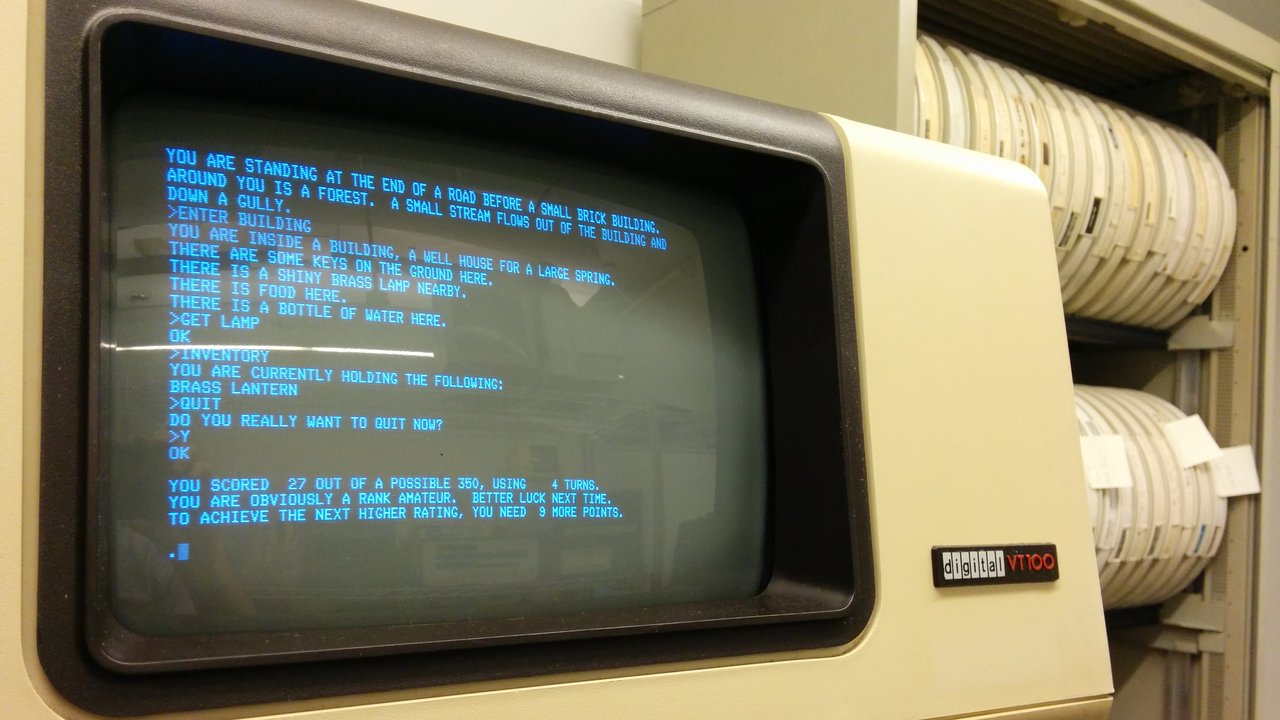 What was the first text adventure game?Colossal Cave Adventure, written by Will Crowther around 1975 and expanded by Don Woods in 1977, is the game that started the text adventure. Wander (1974) may be older. Here is how the first text adventures fit together, from the cave to Zork and Adventureland.
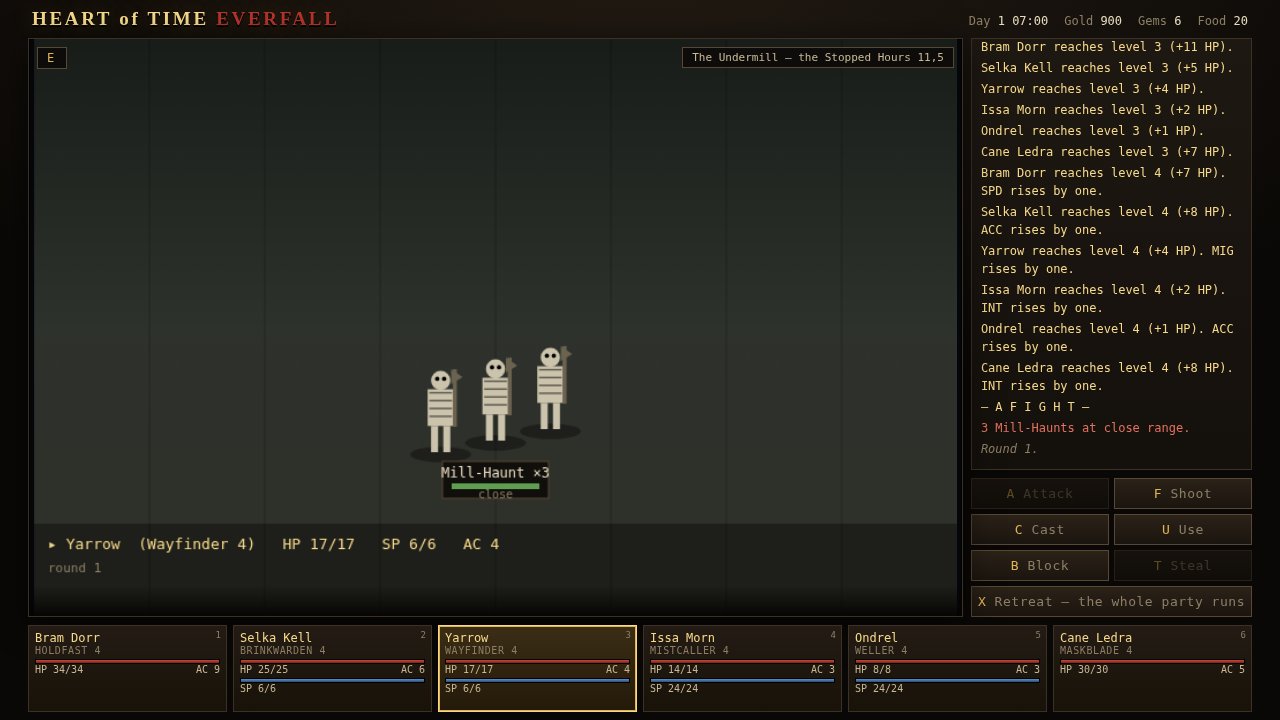 What was the first JRPG?The Dragon & Princess, made by Koei for the PC-88 in 1982, is the game most often named as the first Japanese role-playing game. The Black Onyx (1984) was the first popular one, and Dragon Quest (1986) made the genre a household name. Here is how they fit together.
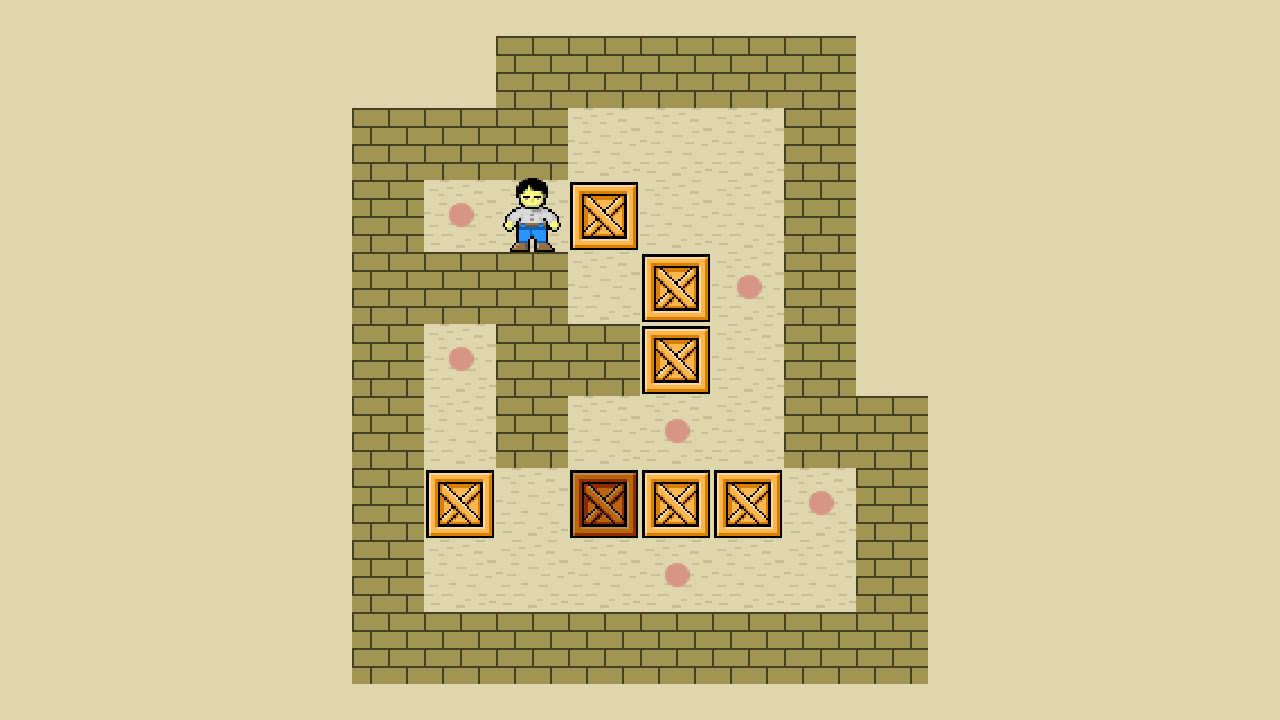 What is Sokoban?Sokoban is a 1982 box-pushing puzzle game by Hiroyuki Imabayashi of Thinking Rabbit, in which a warehouse worker pushes crates onto marked spots. Here are its three rules, who made it, why it is so hard, and games like it.