Blog ·
Why are browser games silent until you click?
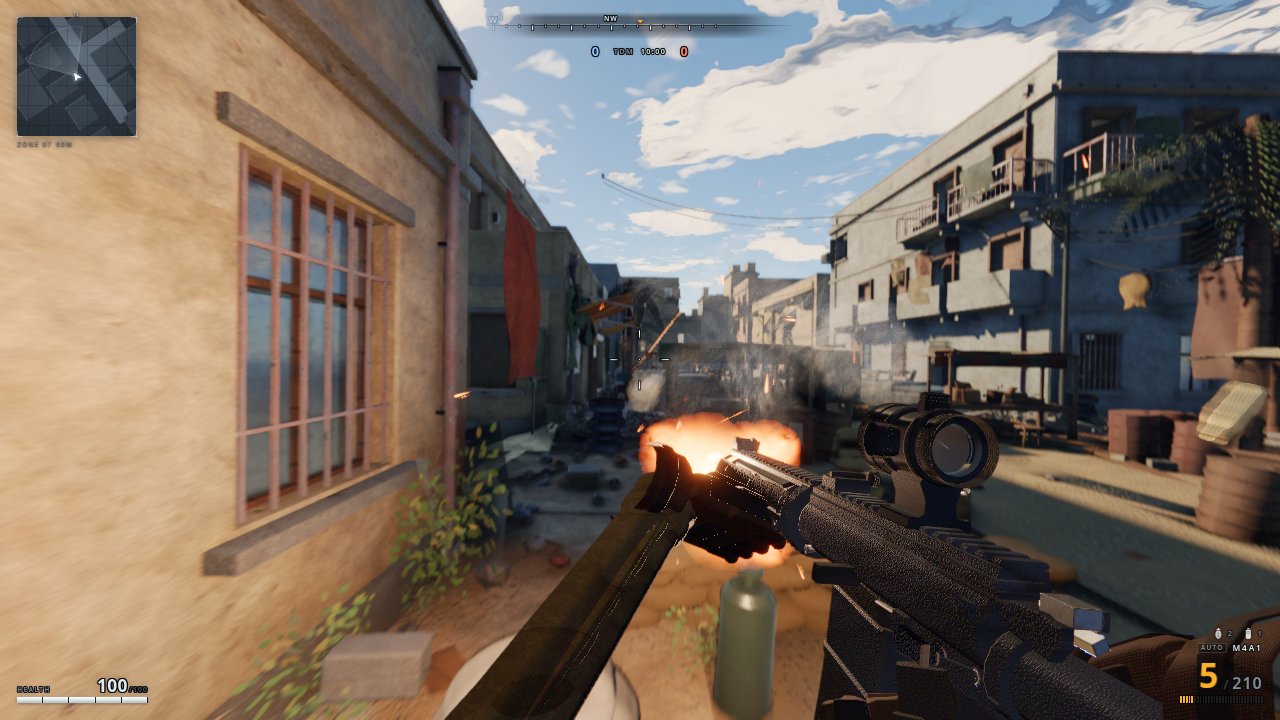
Because your browser will not let a page make sound until you have interacted with it. Chrome, Firefox and Safari all block autoplaying audio, and a game's sound counts: until you click, tap or press a key on the page, its audio is held back. Nothing is broken. One click on the game is usually all it takes.
What is the rule, exactly?
MDN's guide to autoplay sums it up: a page can usually play sound only if at least one of these is true:
- the sound is muted or its volume is zero,
- you have interacted with the site ("by clicking, tapping, pressing keys, etc."),
- the browser has allowlisted the site, on its own because you often play media there or because you set it in the browser's settings,
- the page is in a frame that its parent page has explicitly allowed to autoplay.
Otherwise, MDN says, playback "will likely be blocked." The same guide makes clear this covers games, not just videos: starting sound through the Web Audio API, which is how most browser games make noise, "outside the context of handling a user input event is subject to autoplay rules."
Which presses count as interacting?
Not every movement does. The HTML standard lists the input that gives a page "user activation":
- a key press (but not Esc, and not a shortcut the browser keeps for itself),
- pressing a mouse button,
- lifting a finger or pen off a touch screen.
Moving the mouse, hovering or scrolling does not count. That is why a game can sit in silence while your pointer moves over it, and wake up the moment you click. Once you have interacted, the standard says the page keeps that "sticky activation" for as long as it is open, so the game does not need you to click again for every sound.
When did browsers start doing this?
Over a couple of years, browser by browser:
| Browser | What changed | Source |
|---|---|---|
| Safari 11 | Blocks media with sound from autoplaying on most sites, with per-site settings | WebKit blog, Jun 8, 2017 |
| Chrome 66 | Autoplay policy for audio and video, April 2018 | Chrome for Developers |
| Chrome 71 | The policy extended to the Web Audio API | Chrome for Developers |
| Firefox 66 | Blocks autoplaying audio by default, rolled out gradually after its release on Mar 19, 2019 | MDN, Firefox 66 notes |
Why do browsers block sound at all?
Mostly because of pages that start shouting at you: videos and ads that play with sound the moment you arrive. Apple's WebKit team wrote that Safari 11 "gives users control over which websites are allowed to auto-play video and audio." Games get caught by the same rule because, to the browser, a game's music is just a page trying to make sound.
How does a game handle it?
Well-made games wait for you. Chrome's developer guide explains the mechanism: if a game creates its audio engine (an AudioContext) before you have interacted, "it will be created in the 'suspended' state," and the game has to call resume() after your click or key press. MDN's page on resume() describes it as resuming "the progression of time in an audio context that has previously been suspended."
Two of the games on EverGamer show the two usual approaches. We read their code to check:
- Claude of Duty, the first-person shooter, ships no sound files at all: every gunshot, footstep and echo is synthesized live with the Web Audio API. It listens for your first mouse press, touch or key press and only then builds its audio engine.
- Embertide, a survivors-like, builds its small synthesizer when you press its start button, and calls
resume()if the browser has left it suspended.
That start button is no accident. A title screen that asks you to click "Play" gives the browser the interaction it needs, so the music can begin with the game.
The game is still silent after I clicked. What now?
Check these in order:
- Click inside the game itself, not the browser's address bar or another tab. The interaction has to happen on the game's page.
- Look for a mute button in the game. Many games start quiet, or remember that you muted them last time.
- Check the tab. Most browsers can mute a single tab or site, and a speaker icon on the tab shows whether it is playing sound.
- Check the site's settings. Safari has per-site autoplay settings, as the WebKit blog describes. Other browsers keep their sound and autoplay choices in each site's settings too.
- Reload the page and click once. A game that tried to start its sound too early, and never called
resume(), sometimes stays silent until it is loaded again.
Can a site get permission to play sound right away?
Sometimes. Chrome's guide says desktop Chrome lets sites with a high "Media Engagement Index" (a score of how often you play media with sound there) autoplay with sound, as well as sites you have added to your home screen on a phone or installed as an app on a computer. Safari, by the WebKit blog's account, lets you allow it per site. For a game you have only just found, though, expect to click first. It is a small price for a web where tabs cannot start playing sound on their own.
Ready to try it? Open Claude of Duty or Embertide, click to start, and turn your speakers up. Or browse every game on EverGamer.
More from the blog
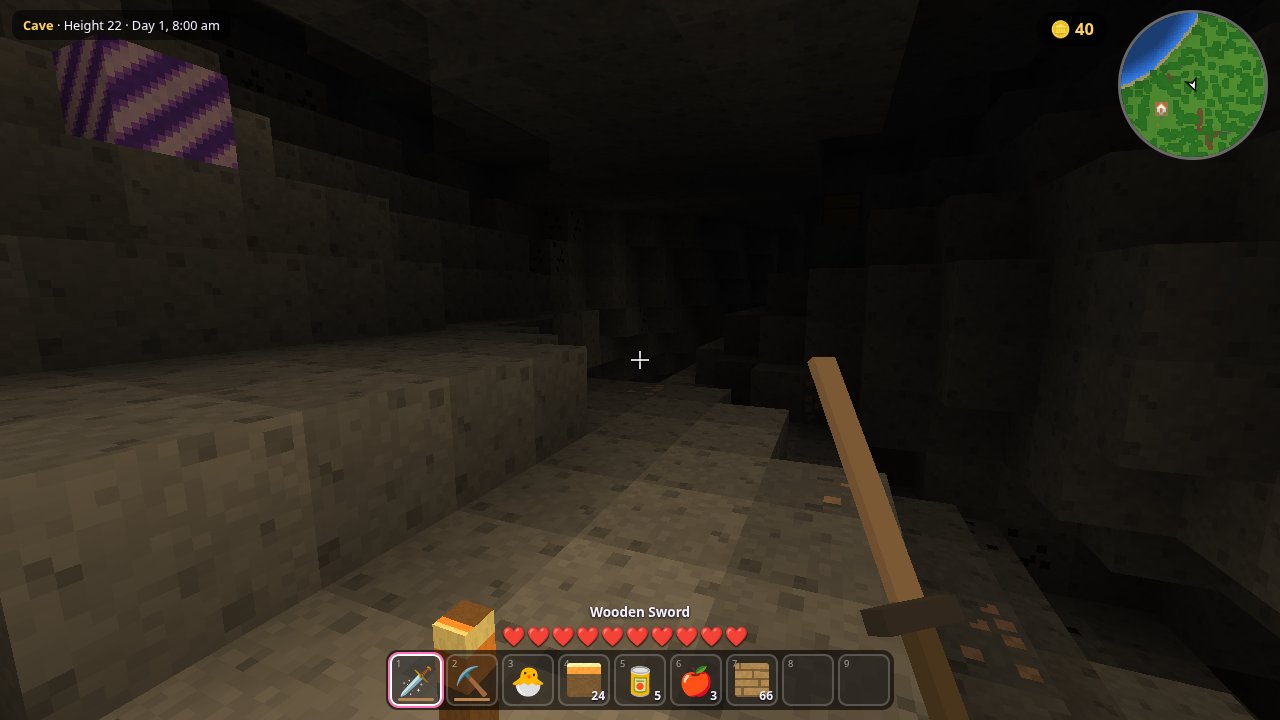 What is procedural generation in games?Procedural generation means a game builds its levels, maps or worlds with rules and random numbers instead of storing each one made by hand. Here is how it works, what a seed is, how Rogue, Elite, Minecraft and No Man's Sky used it, and three browser games where you can see it.
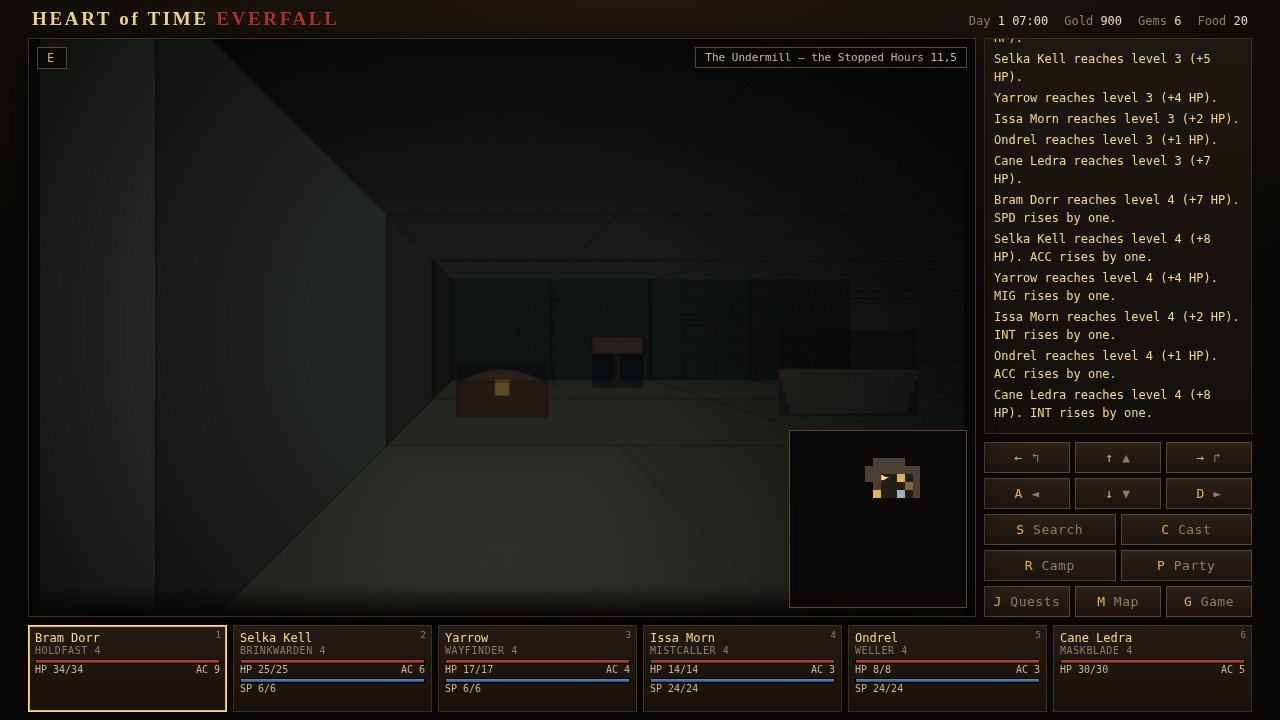 What was the first computer RPG?The earliest computer role-playing game that still survives is pedit5, also called The Dungeon, written by Rusty Rutherford on the PLATO system at the University of Illinois in 1975. Here is how it played, the rival that followed it, the lost game called m199h, and where you can try them today.
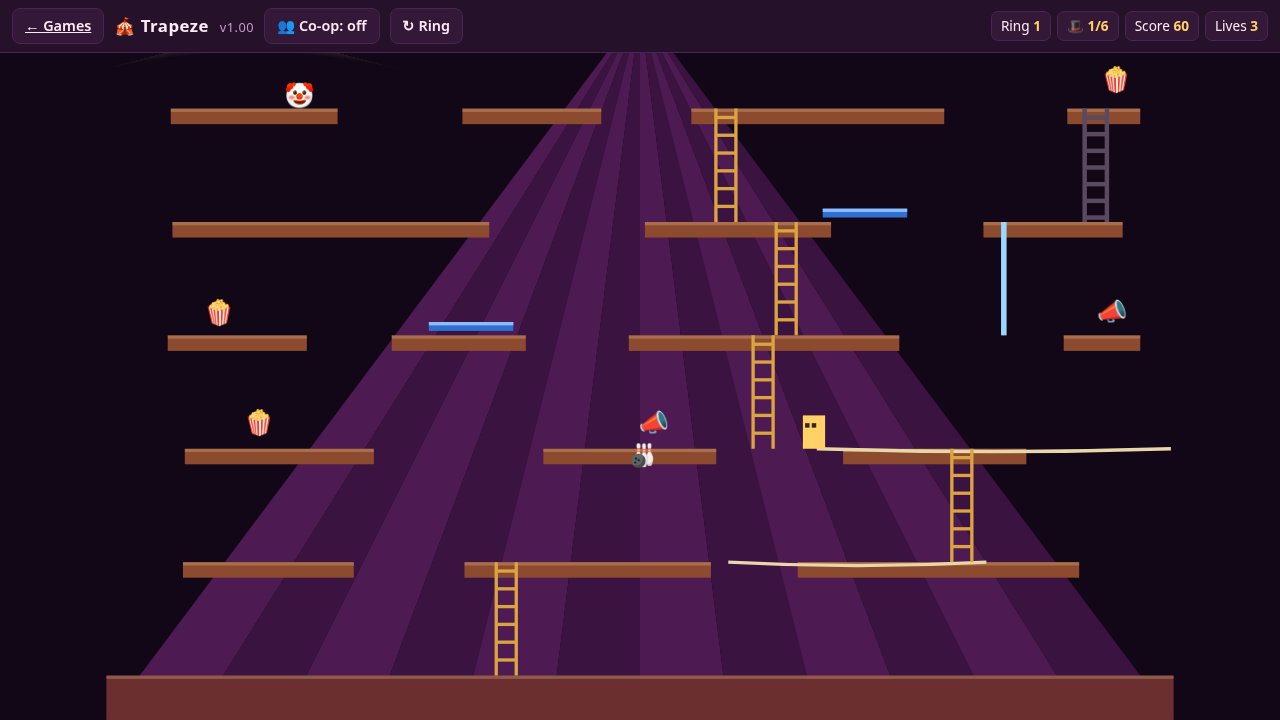 What is coyote time in games?Coyote time is a short grace period that lets you jump just after running off a ledge. Here is how it works, how long it lasts in Celeste's own code, the tricks that go with it, and why some platformers leave it out on purpose.